It rings. Every time.
WakeDroid schedules with Android's own alarm clock, so Doze and battery savers leave it alone. After a reboot in the night it still rings, even before you unlock your phone.
- Daylight saving and time zone changes are handled correctly.
- A deleted song or a radio stream that won't load falls back to a sound that works. Never silence.
- A missed alarm still rings when your phone comes back.
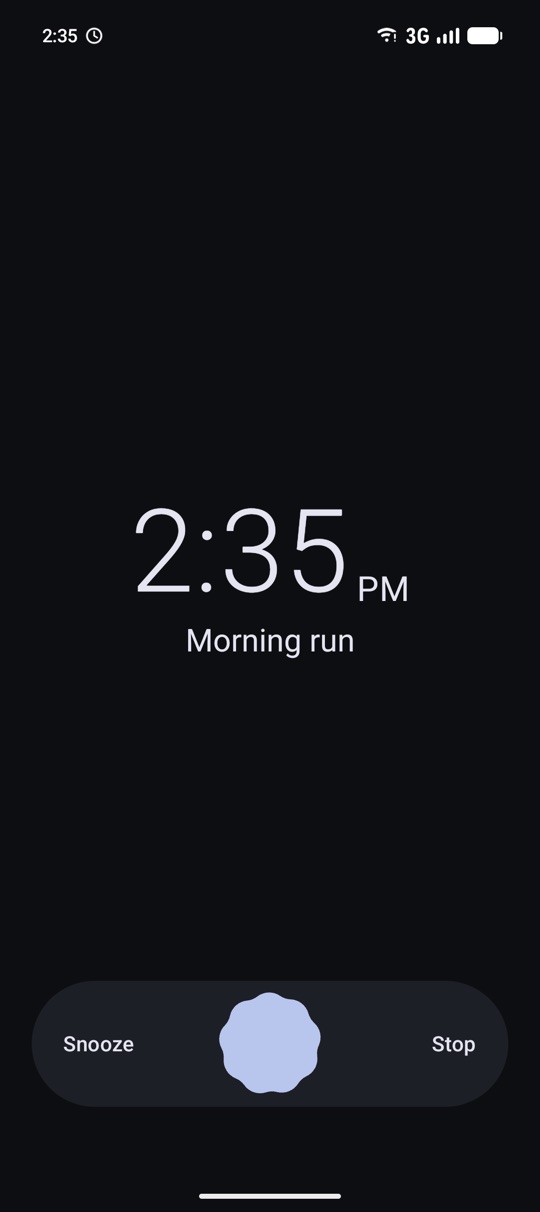
Wake up slowly.
The volume rises over up to thirty minutes, on a curve that follows how you actually hear. No jump from quiet to loud at the end.
- A ringtone, your own file or a music folder in random order.
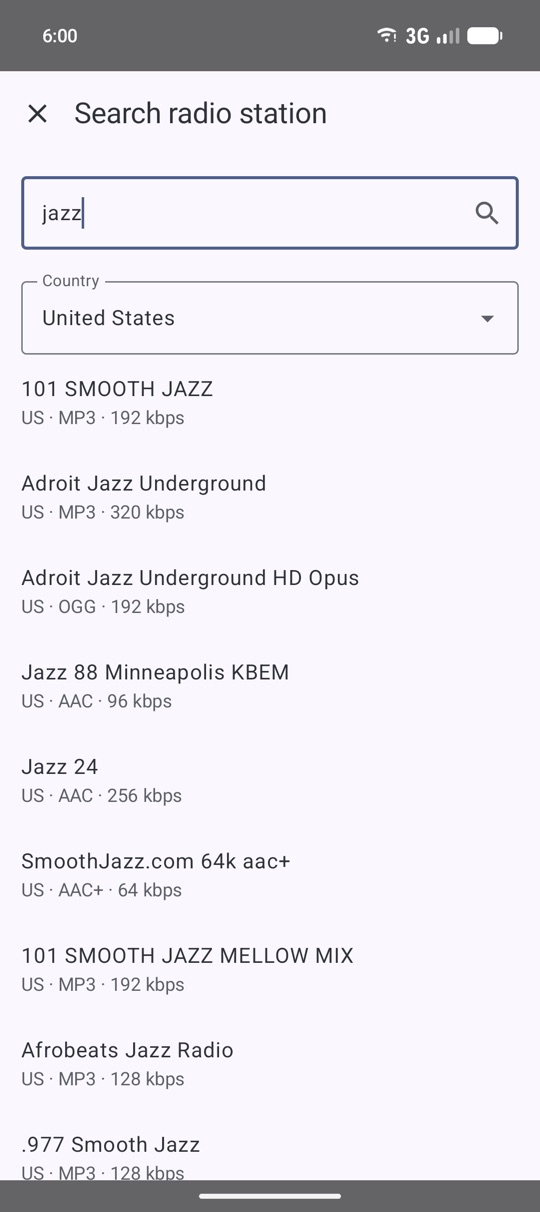
- Thousands of internet radio stations, searchable by name and country.
- Volume and vibration per alarm.
Or make sure you're awake.
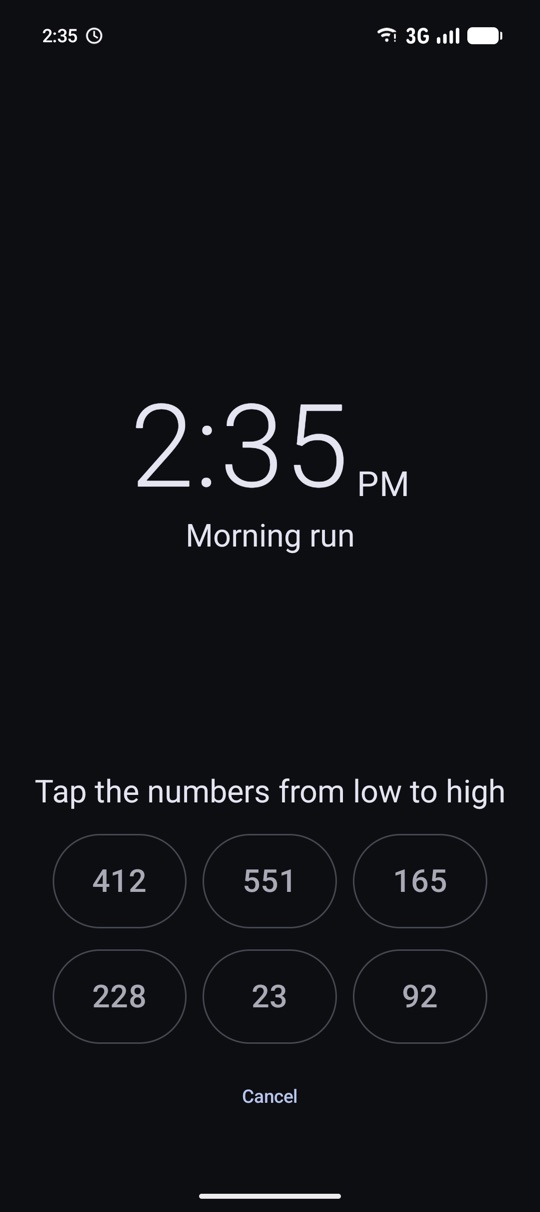
Turn on a puzzle to snooze or to stop, and your half asleep self can't just swipe it away.
- Sums, sorting numbers, picking multiples, naming the day and pairing dice.
- Flip the phone, shake it, cover it or press the power button. You choose what each one does.
- Snooze presets, and a limit on how often you can snooze.
Hear the time and the weather.
While the alarm rings, WakeDroid can tell you what time it is and what the day will bring. You write the sentence yourself, with the time, the day and the forecast in it.
- Weather from Open-Meteo, without an account or an API key.
- A speaking clock that announces the time every 5 to 60 minutes.
- English and Dutch.
Schedules that fit your weeks.
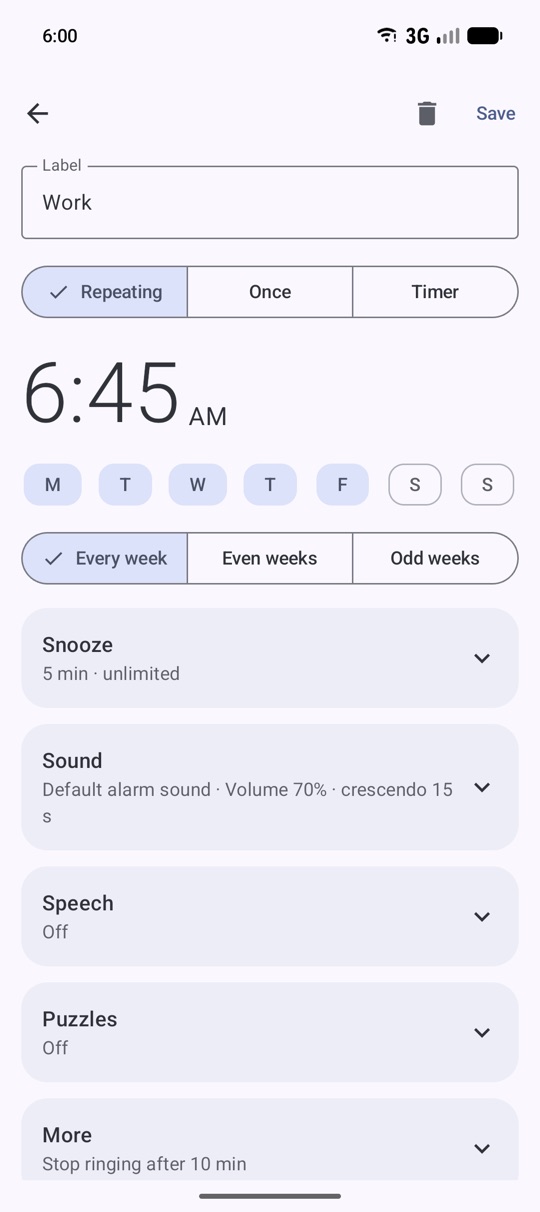
Weekdays, weekends or any mix. For rotating shifts you can ring only in even or odd weeks.
- Repeating alarms, one time alarms and timers.
- Skip the next alarm without turning it off.
- A reminder before your next alarm, with a skip button.
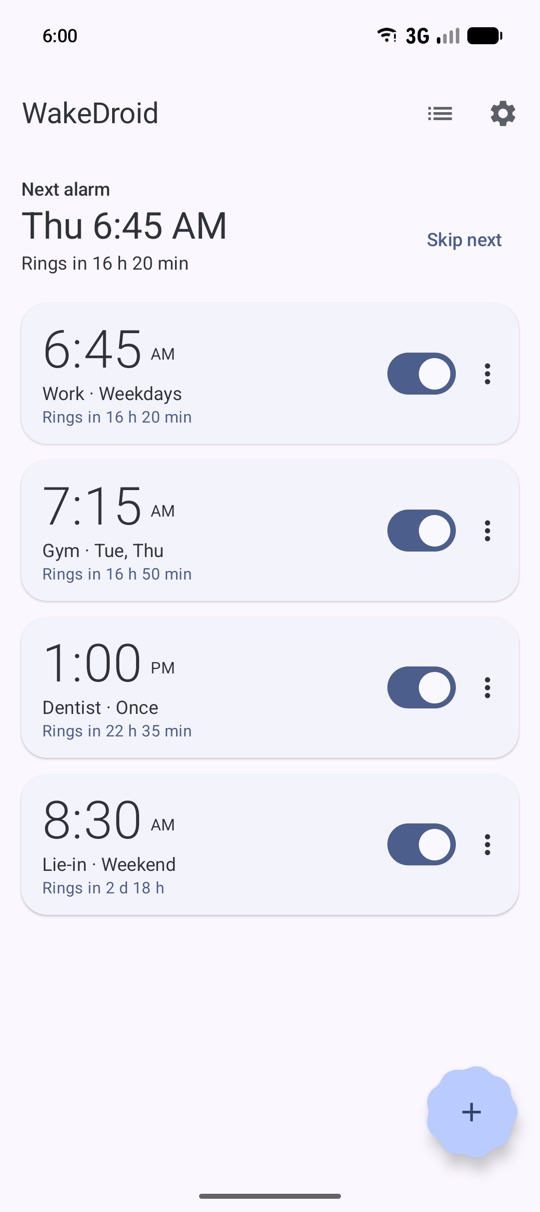
At home on Android.
Your wallpaper colours or a fixed theme, light or dark, with true black for OLED screens.
- A countdown in the status bar on Android 16.
- A widget with your next alarm.
- Works with the assistant: "set an alarm for seven".
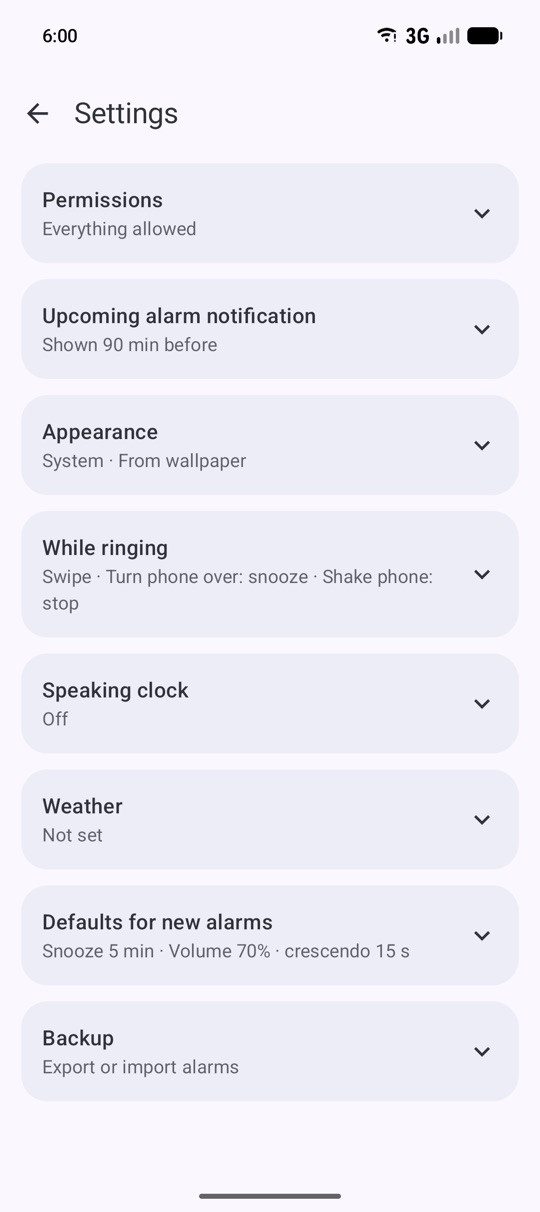
Your alarms, on your phone.
No account needed. Your alarms stay on your phone, and a backup is a file you keep yourself.